App Launcher
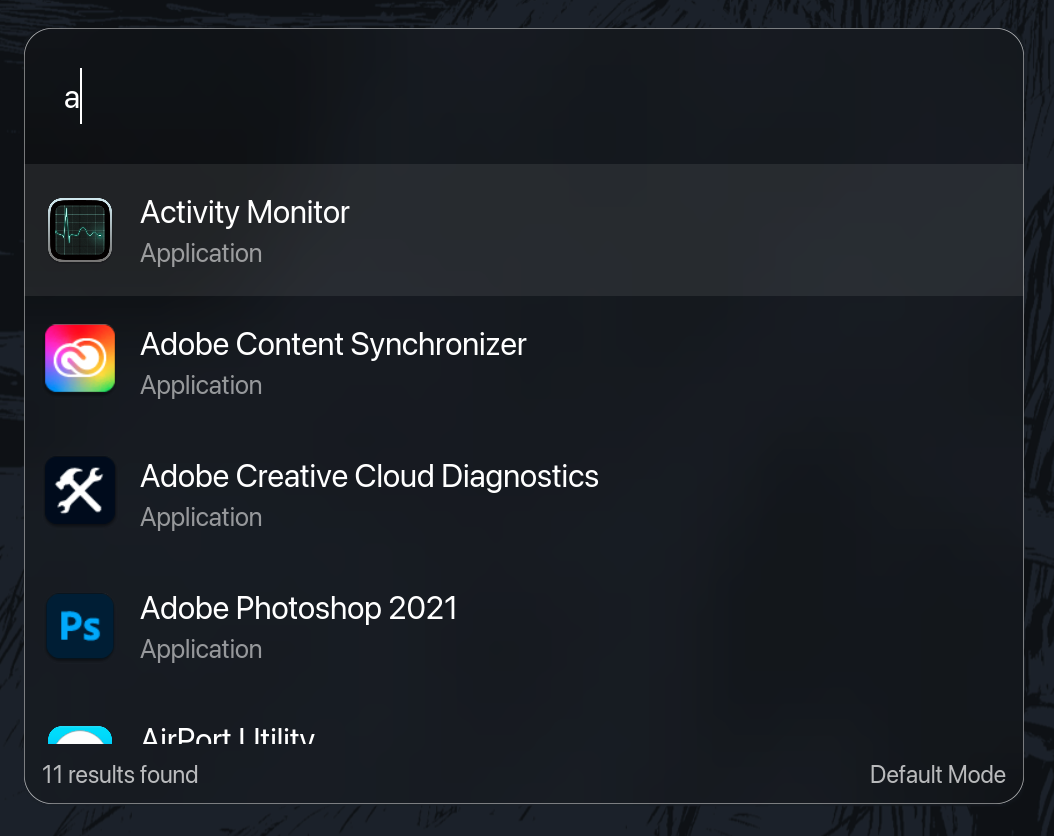
Instantly search and open any installed app. Faster than Spotlight, keyboard-only by design.

If RustCast is your launcher, Sxitch is your switcher — the same obsession for speed and keyboard-first workflows, applied to window management on macOS.
Check it out ↗RustCast packs a full productivity toolkit into a single hotkey. Zero subscriptions, zero telemetry.
Instantly search and open any installed app. Faster than Spotlight, keyboard-only by design.
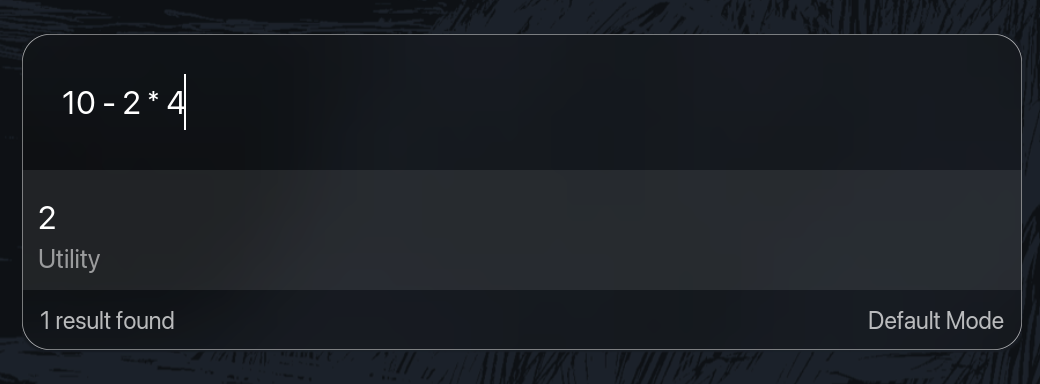
Type any expression and see the result inline.
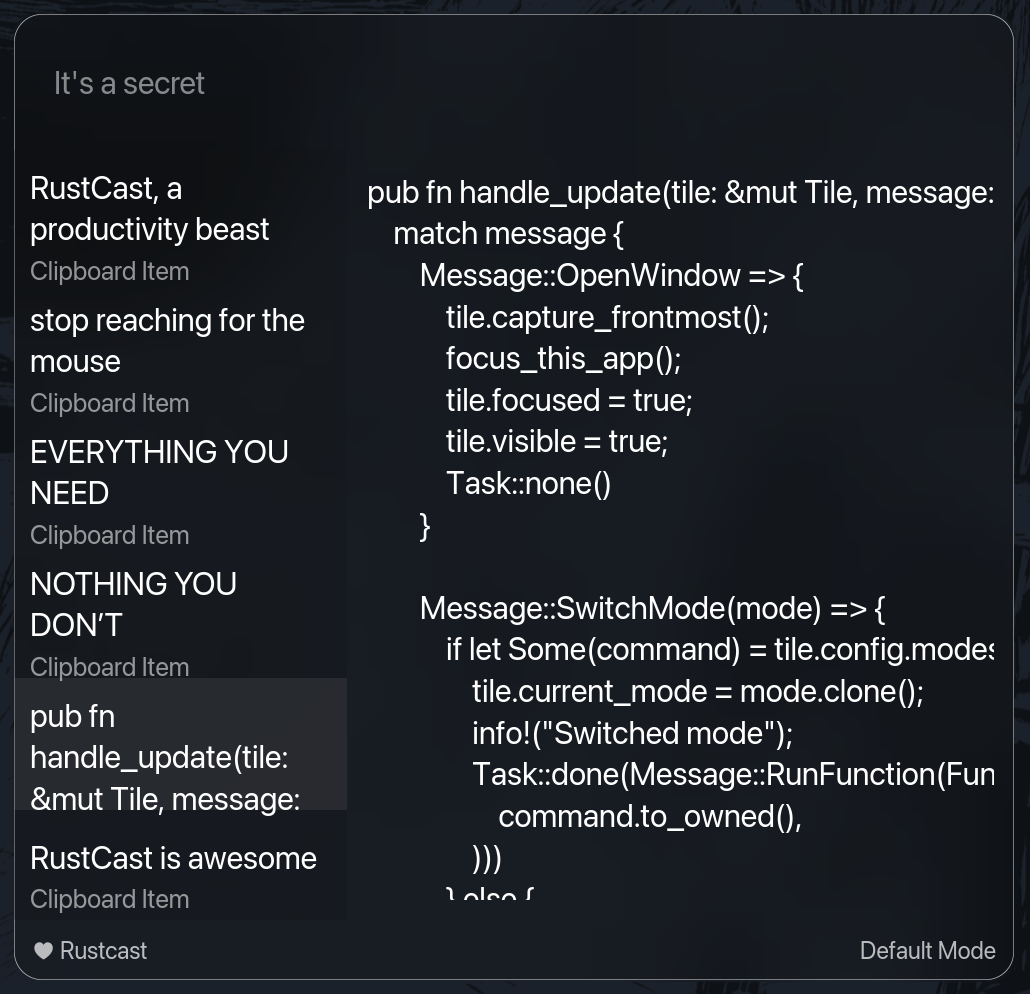
Access your full clipboard history from a keyboard shortcut.
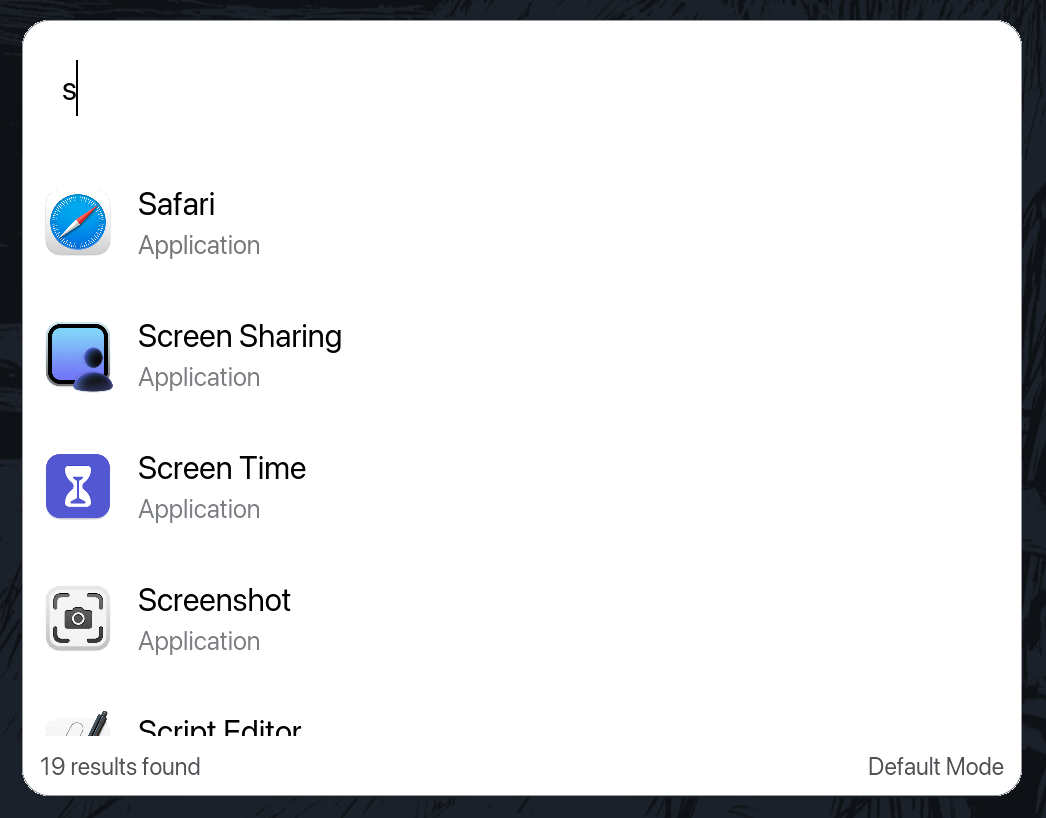
Configure the fonts and colors to your liking.
Type your query and add ? to instantly search Google (or any custom search engine).
Convert between units right from the search bar.
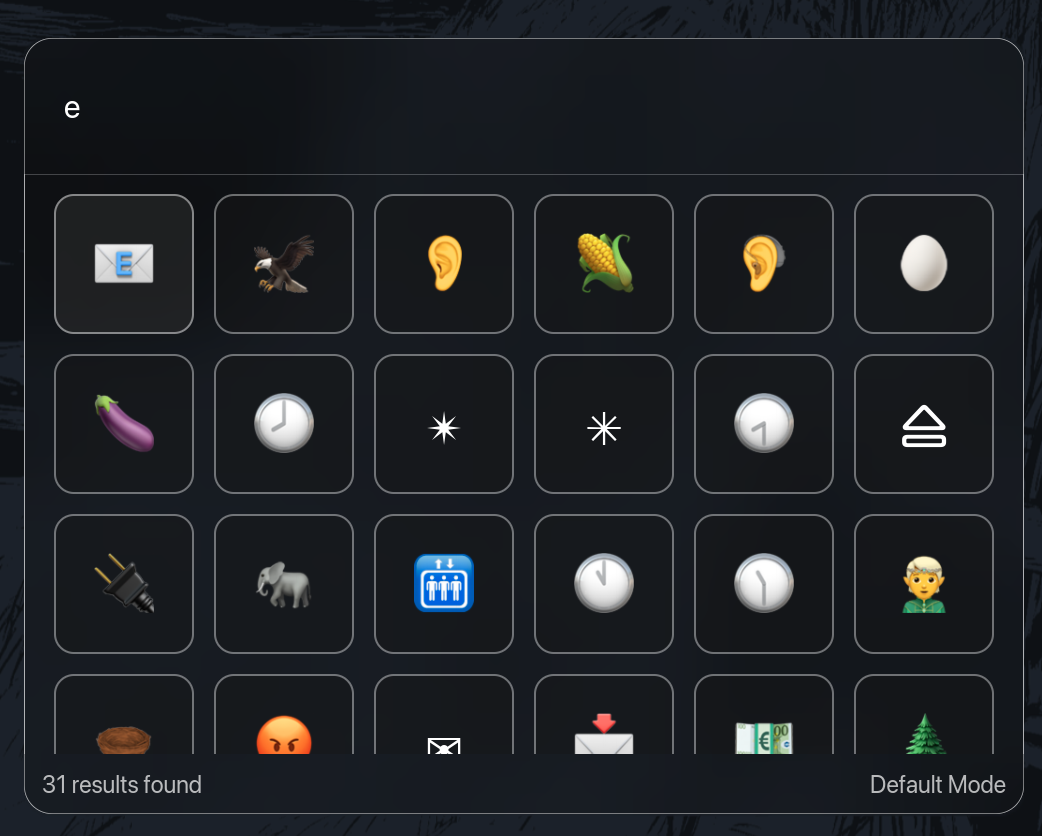
Find and copy any emoji by name.
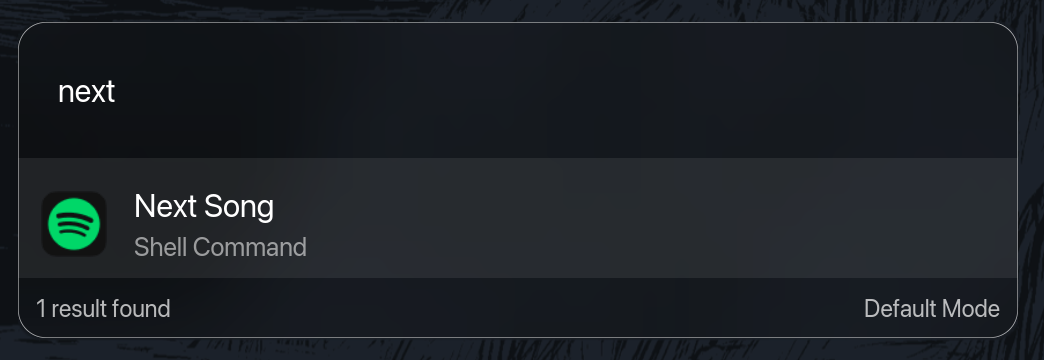
Define shell aliases and run any command directly from the launcher.
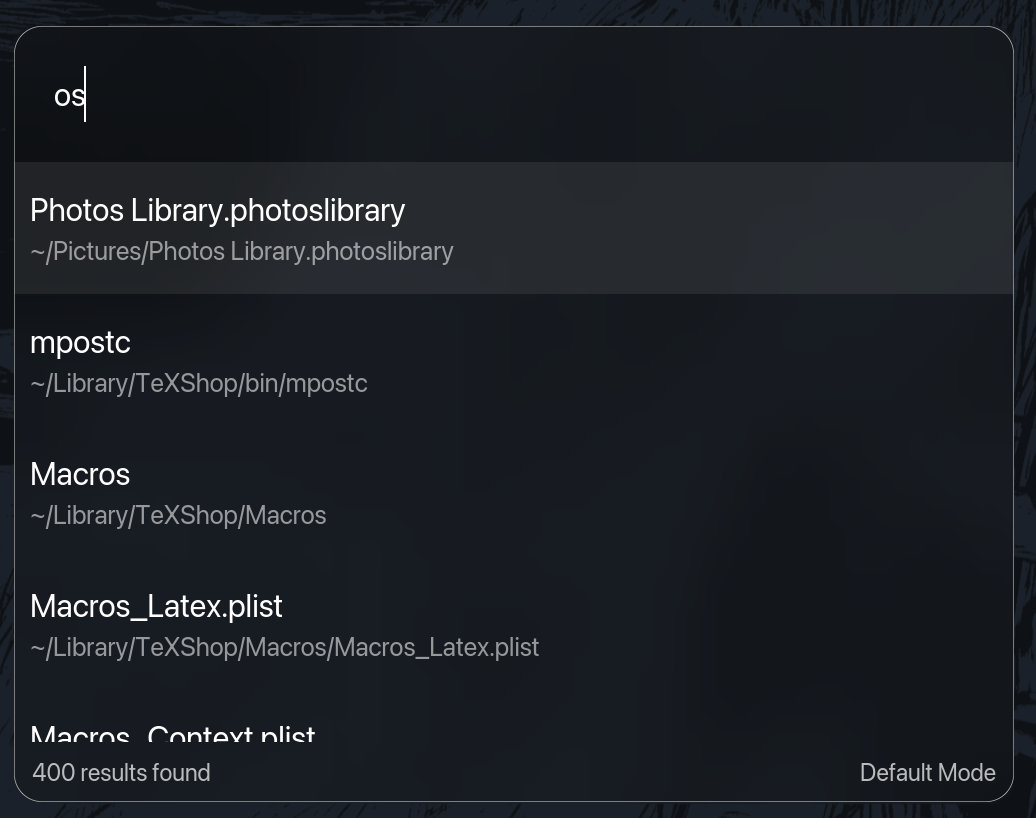
Search for your files and open them easily.
Modes let you run any shell script from RustCast. Transform your environment in one keypress — toggle your window manager, start servers, silence notifications, switch contexts.
Hide notifications, disable WM effects, switch to a clean desktop. One command for a distraction-free experience.
Use brew to start Postgres, fire up dev servers, enable auto-reload. Your entire dev stack with one alias.
Silence Slack, DND via AppleScript, close distracting apps. Transition into deep work immediately.
Point a mode at any shell script. RustCast runs it. Use AI to help write the scripts — just review before running.
RustCast exposes a rustcast:// URL scheme (v0.7.4+). Trigger it from scripts, shortcuts,
browsers, or any tool that can open a URL.
Open any installed application by name.
rustcast://open?target=obsidian
Bring the launcher to the foreground — useful in Shortcuts or shell scripts.
rustcast://show
Gracefully quit the app from a script or automation flow.
rustcast://quit
A single TOML file controls everything. Fonts, colors, hotkeys, search engines, shell aliases, haptic feedback — fully yours.
RustCast creates a sensible default config on first launch. Tweak as little or as much as you want.
          # Global hotkey
          toggle_hotkey = "ALT+SHIFT+1"
          clipboard_hotkey = "SUPER+SHIFT+2"
          search_url = "https://google.com/search?q=%s"
          haptic_feedback = true
          clear_on_enter = true
          show_trayicon = true

          # Define your custom modes
          [modes]
          presentation = "~/.config/rustcast/scripts/presentation.sh"
          dev = "~/.config/rustcast/scripts/dev.sh"
          focus = "~/scripts/focus-mode.sh"

          # Add aliases for super speed
          [aliases]
          ff = "firefox"
          code = "Visual Studio Code"

          [theme]
          font = "Fira Code"
          text_color = [0.95, 0.95, 0.96]
          background_color = [0.11, 0.11, 0.13]
          background_opacity = 1.0
          show_icons = true
          show_scroll_bar = true
Three ways to get RustCast. Pick the one that feels right.
RustCast wouldn't exist without contributions, feedback, and support from these folks.
🥚 Sponsors get a secret easter egg inside RustCast. A dollar is all it takes.
RustCast is free, open source, and built for people who care about speed. Install it in 30 seconds and never look back.